


Abstract Review Tool
Classify each abstract and save your findings locally in your browser.
Choose Session Type
Step 1: Enter Your Groq API Key
Why is an API Key needed?
This tool uses fast, powerful AI models to provide features like relevance scoring and summaries. The API key is like a password that gives this tool permission to securely send requests to the AI service on your behalf.
Your key is stored only in your browser and is never shared or saved on our servers.
Is it free?
Yes! We use Groq which provides an extremely generous free tier and lightning fast open-source models (like Llama 3) perfectly suited for this tool. You can get your key instantly from their console.
To enable AI features, please provide your API key. You can get a free key instantly from the Groq Console.
Step 2: Define Relevance Criteria
How to Write Good Criteria
The AI's accuracy depends on your instructions. Be specific and clear.
- Be Specific: Instead of "cancer research", use "adjuvant chemotherapy for stage III colon cancer".
- Include Keywords: Mention key populations (e.g., "pediatric patients"), interventions (e.g., "CAR-T therapy"), and outcomes (e.g., "overall survival").
- Provide Exclusions: State what you DON'T want. E.g., "Exclude case reports and studies on animals."
This helps the AI give a more accurate relevance score.
Describe what makes an abstract relevant. The AI will use this to calculate a relevance score.
Upload PubMed Abstracts File
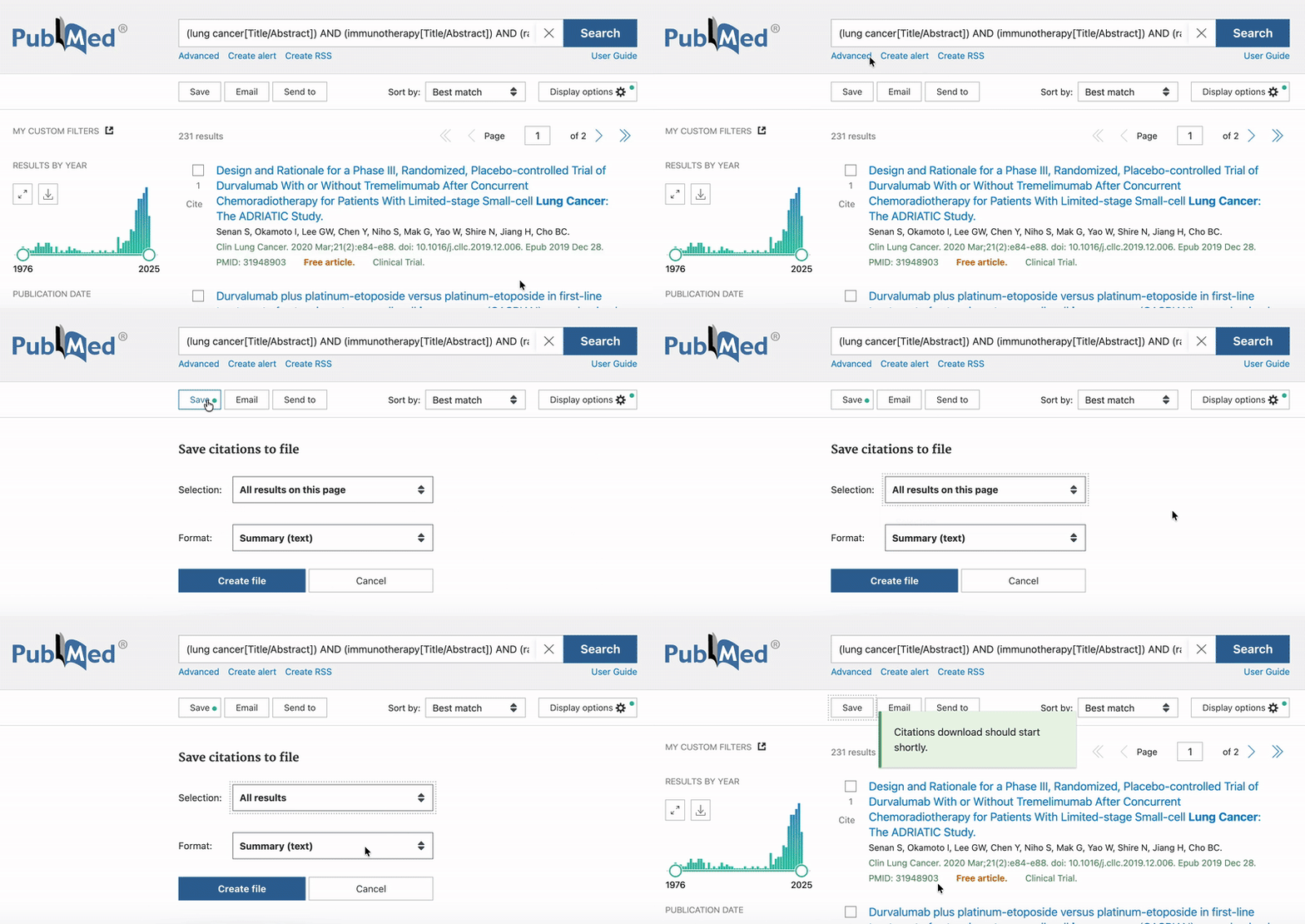
Please select the PubMed text file containing the abstracts from your computer.
Resume from JSON
Upload a previously exported JSON Session file to continue where you left off. All your reviewed abstracts, tags, and AI settings will be automatically restored.